Mission control for your
AI coding agents

Monitor GitHub and Jira, triage issues, and spawn AI agents to fix them - all from your terminal.

$ go install github.com/creydr/ai-mux/cmd/ai-mux@latest
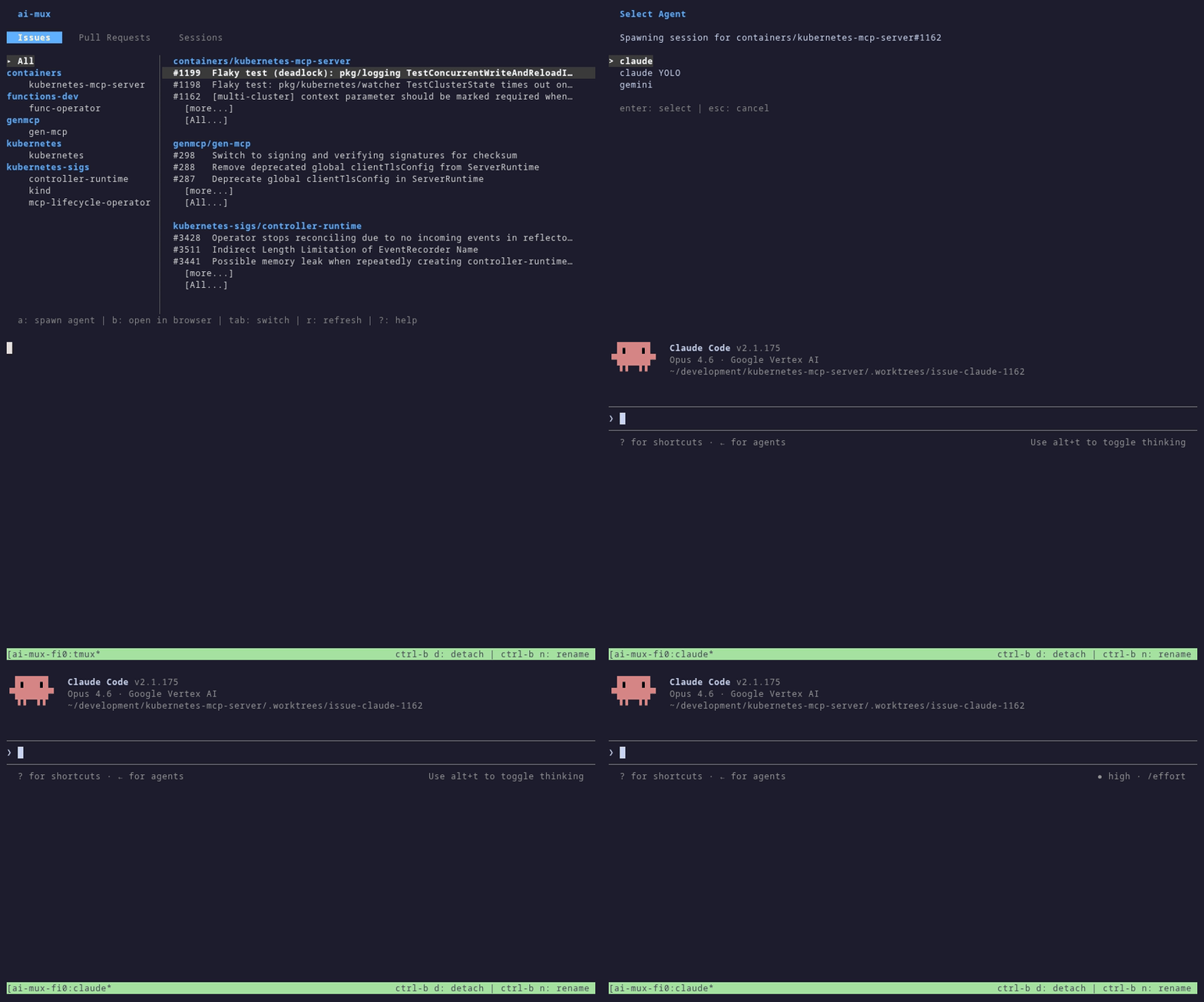
ai-mux dashboard
ai-mux dashboard overview

Everything you need, one terminal away

Stop context-switching between GitHub, Jira, and your editor.

Multi-Repo Dashboard

Monitor issues, PRs, and Jira items across all your repositories in one tabbed interface.

AI Agent Spawning

Launch Claude, Gemini, or any AI agent directly from an issue or PR - one keystroke.

Isolated Worktrees

Each agent session gets its own git worktree. Run multiple agents in parallel without conflicts.

Jira Integration

Pull in Jira boards alongside GitHub. Search, filter, and drill into details without leaving the terminal.

Up and running in minutes

Two steps from install to AI-powered issue triage.

1

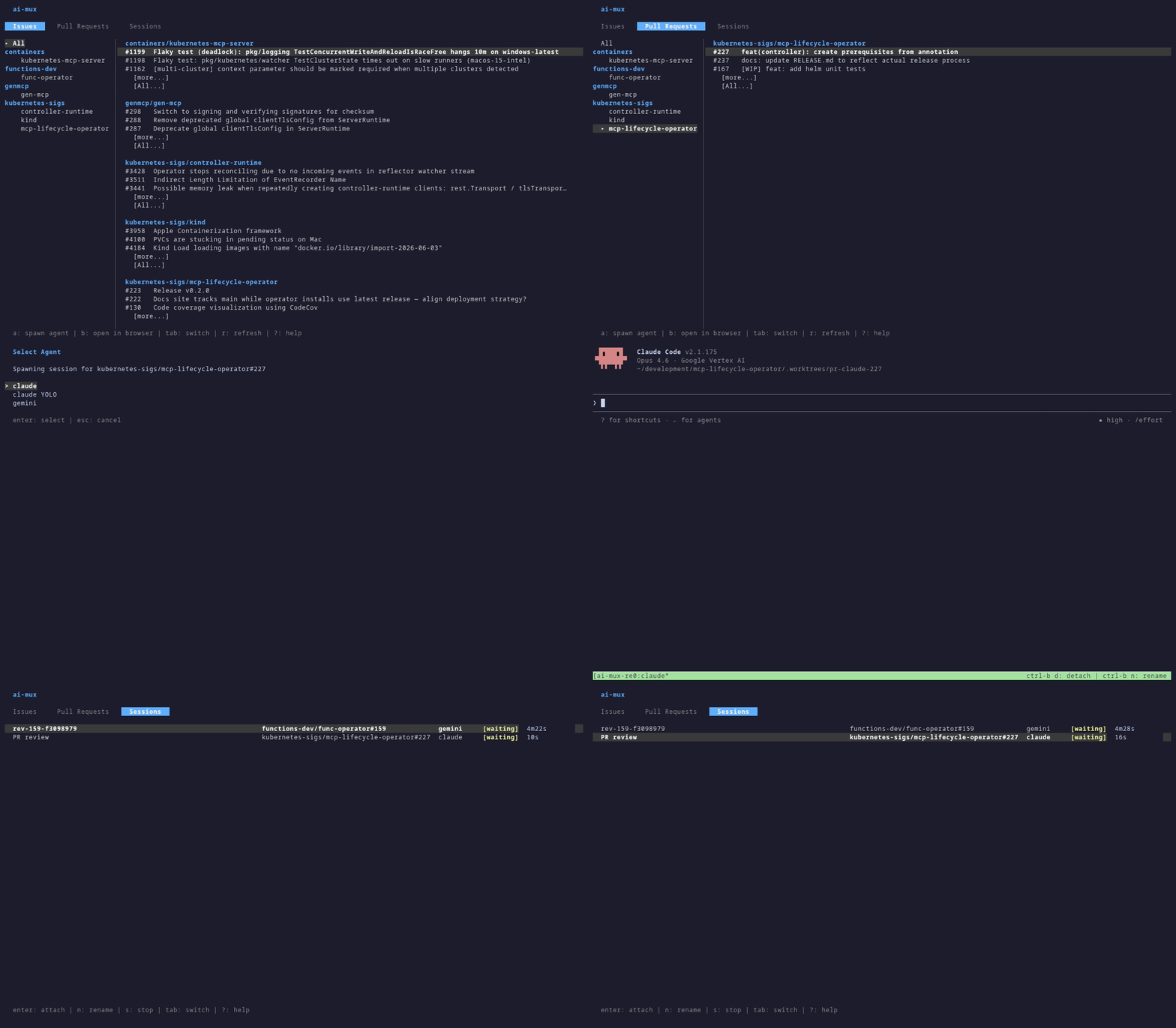
Browse everything in one place

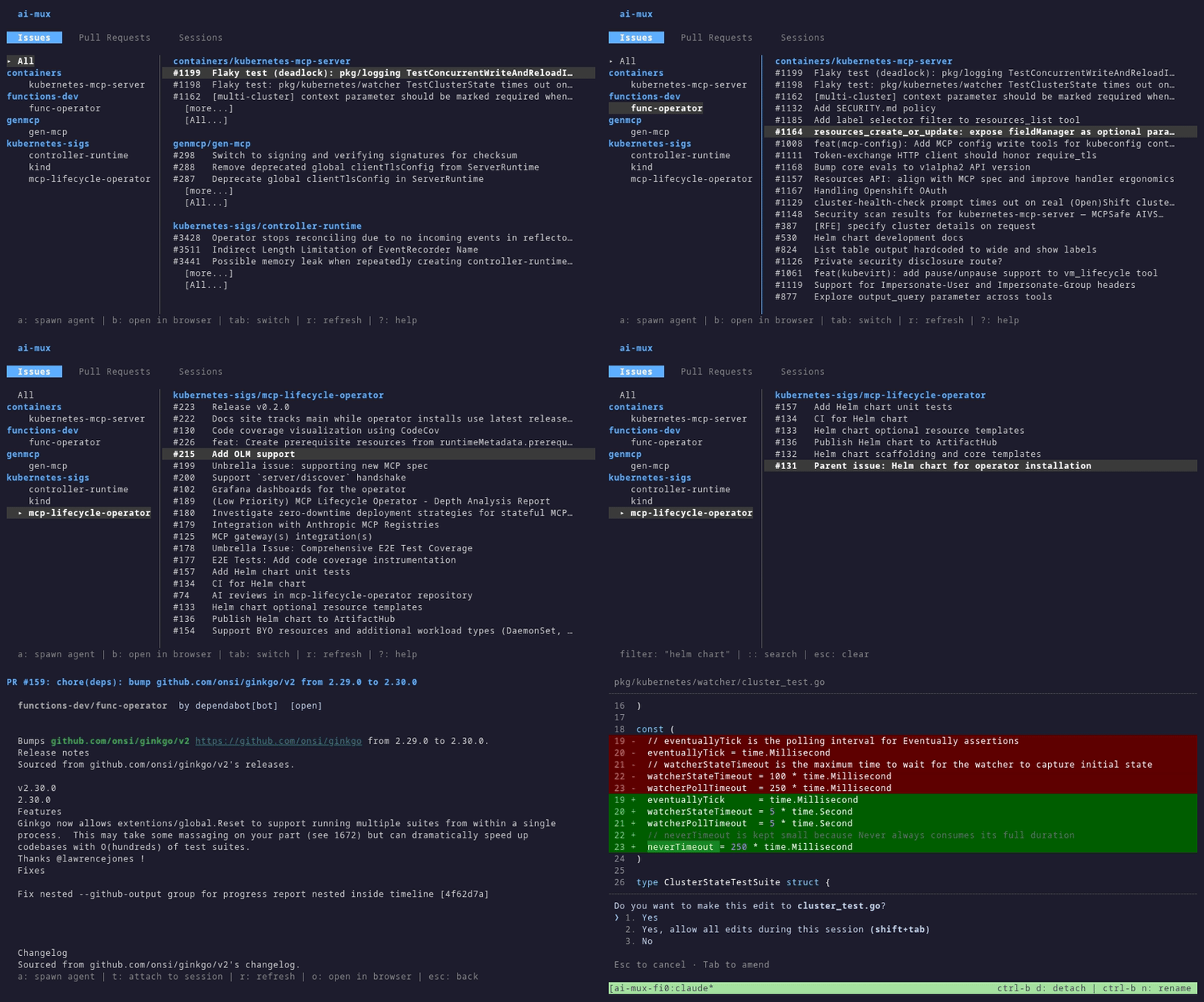
Switch between Issues, PRs, Jira items, and Sessions with tab navigation. Search and filter instantly across all your repos.

ai-mux dashboard
Browsing the dashboard
2

Spawn an AI agent

Press Enter on any issue, pick your agent, and it starts working in an isolated worktree. Attach to watch it work in real time.

ai-mux - agent session
Spawning an AI agent

Get Started in 30 Seconds

Step 1 - Install
# Requires Go 1.26+
go install github.com/creydr/ai-mux/cmd/ai-mux@latest
Step 2 - Configure
# ~/.config/ai-mux/config.yaml
repos:
  - name: owner/my-repo
    path: ~/development/my-repo

agents:
  - name: claude
    command: claude
Step 3 - Launch
ai-mux daemon start --background
ai-mux dashboard